Browse documentation
Media generation
Models and generation settings
Understand how media type, model capability, format, duration, references, and estimates shape a generation.
Last reviewed September 17, 2026
The generation composer shows models and settings that are valid for the media type and current catalog. The list can change as providers and capabilities change, so this article explains how to choose rather than copying a fixed model table.
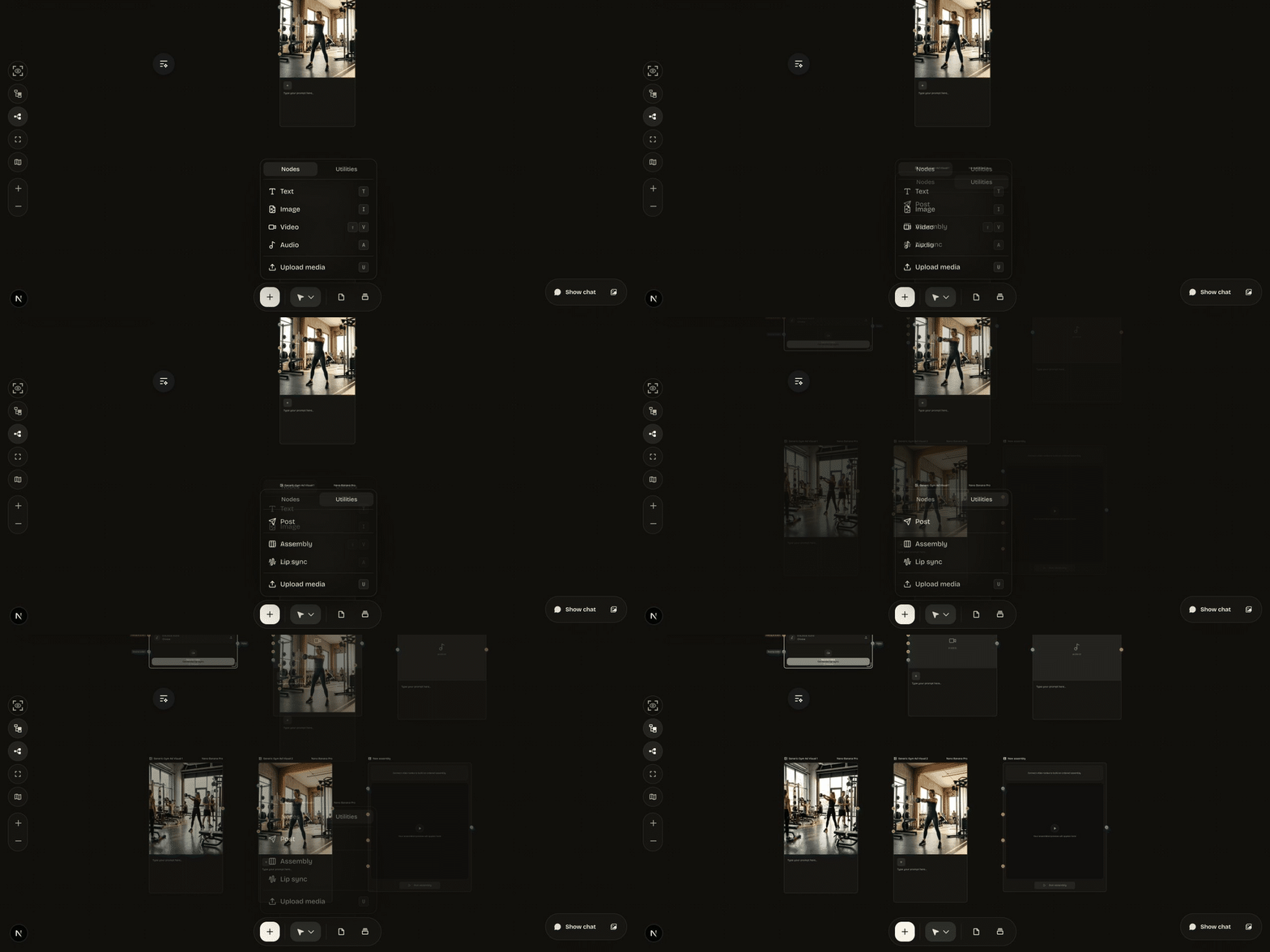
Media type first
Image, video, audio, and text workflows expose different models and inputs. Choose the output type before deciding which provider or model is appropriate.
Capability matters more than the name
Check the controls shown for the selected model. Capabilities can include supported aspect ratios, reference inputs, output resolution, video duration, audio, or edit behavior. A setting that exists for one model may not exist for another.
References and source media
Some generation routes accept existing assets as input. Use source media when continuity of subject, product, composition, or motion matters. The composer prevents combinations that are not supported by the selected route where capability data is available.
Estimates
Credit estimates are calculated from the available model and workflow information. Additional reasoning, agent steps, provider results, duration, or other runtime factors can change the final charge.
A practical selection process
- Choose the required media type and destination format.
- Decide whether a reference or existing asset is required.
- Compare only models that support those constraints.
- Review duration, resolution, and credit estimate.
- Generate a small proof before committing to a larger batch.
For a deeper decision guide, see Choose a model for the job. For failures, see Troubleshoot generation failures.