Browse documentation
Account and billing
Plans and top-ups
Understand subscription cycles, included credits, top-up credits, and what can happen when you change plans.
Last reviewed September 17, 2026
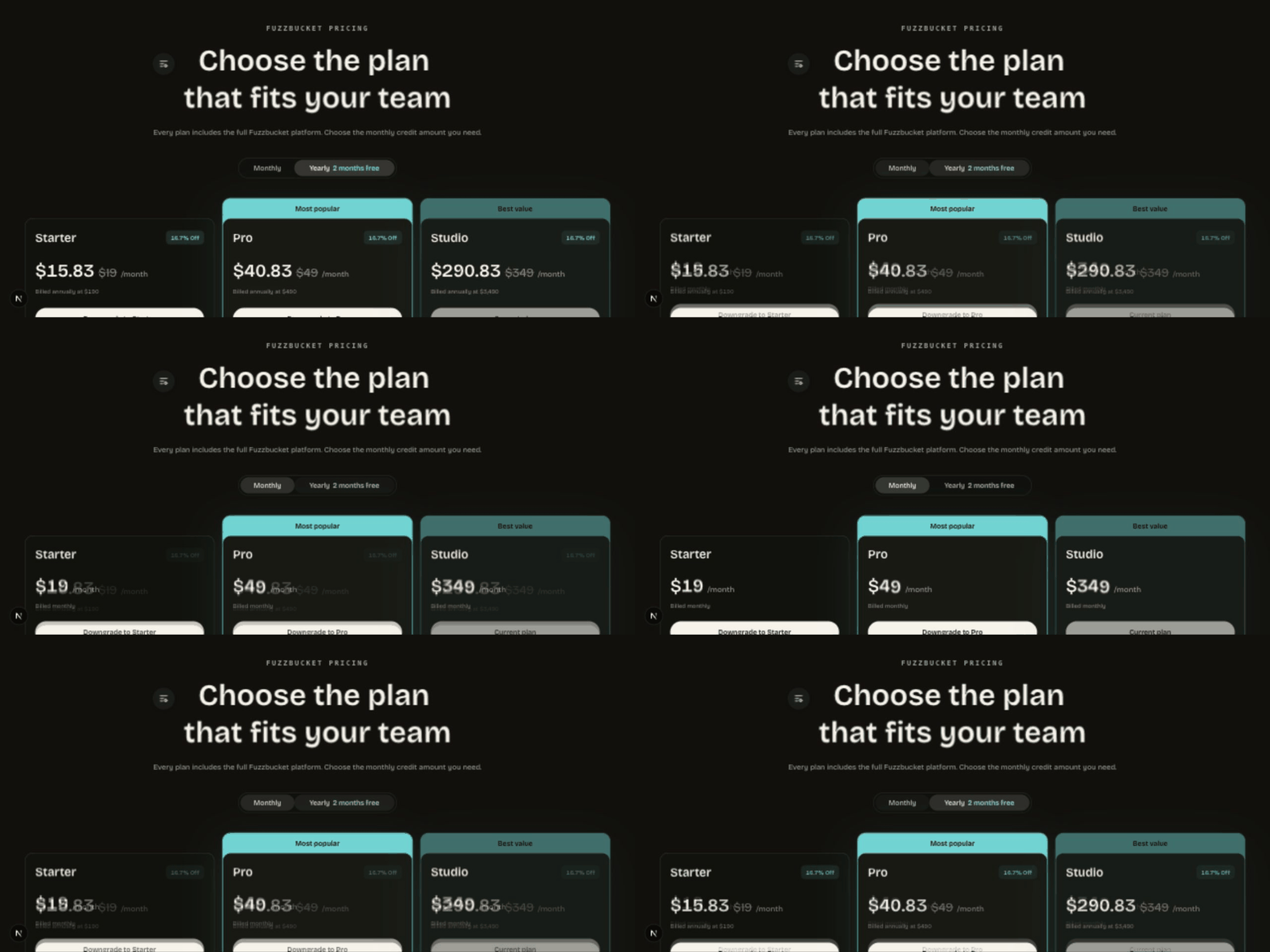
Use the Billing screen as the source of truth for the plans, prices, billing cycles, and purchase options currently available to your account. Public offers can change, so this article explains the behavior instead of repeating a price list.
Included credits
A paid plan can include a credit allowance that refreshes with the account's monthly cycle. A yearly subscription is billed for the longer term, but its included credits can still refresh monthly rather than arriving as one annual balance.
Unused included credits do not necessarily carry into the next cycle. Review the current plan details before relying on a balance beyond its renewal date.
Top-up credits
Top-ups add purchased credits separately from the subscription allowance. They do not expire when the subscription renews. When both balances are available, the product tracks the included and purchased portions independently.
Changing a plan or billing cycle
A plan change can be immediate or scheduled for a later renewal, depending on the change and the billing provider's result. Proration, a new allowance, or a reset of included credits may apply when a change takes effect. The Billing screen should show a pending change when one exists.
Read the confirmation carefully before approving a change. Do not assume that switching between monthly and yearly billing only changes the payment date.
If payment completed but the plan did not update
Refresh the Billing screen and confirm that the payment is complete rather than pending. If the account still shows the old plan, contact support with the account email, approximate transaction time, receipt or invoice reference, and the expected plan. Never send full card details, passwords, or verification codes.
Learn how balances are calculated in Credits and generation cost.