In this answer
How do I schedule or publish content?
Schedule or publish content
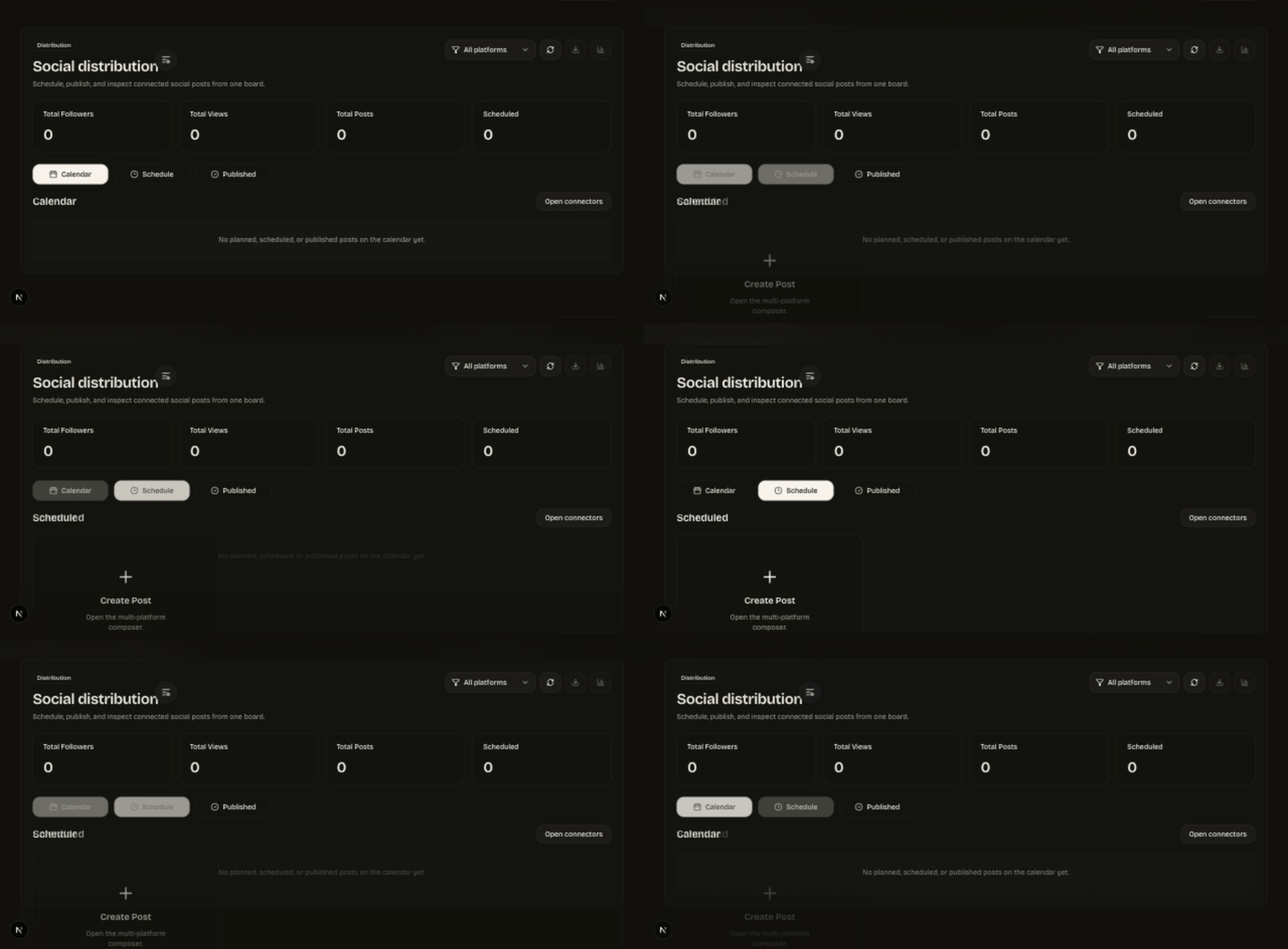
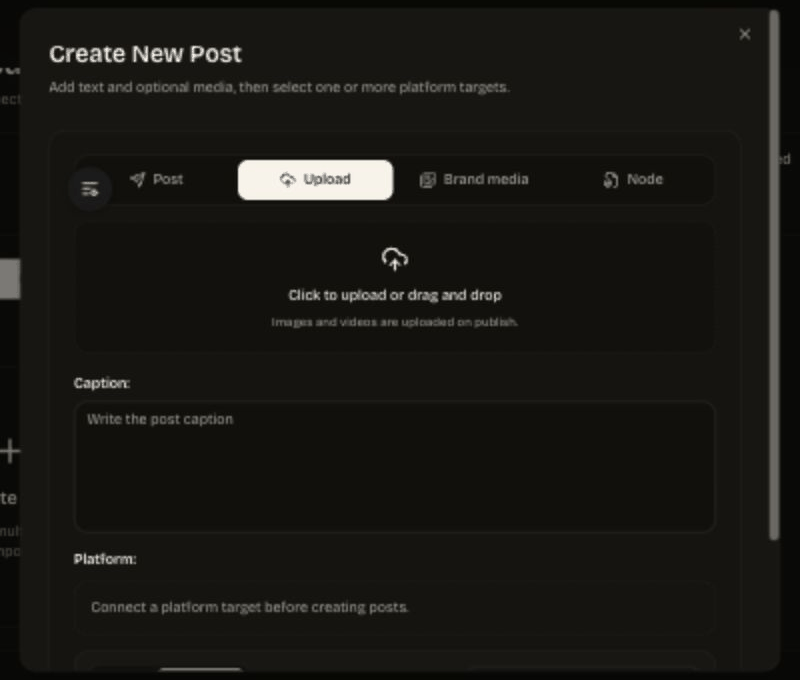
Review an approved node, select supported destinations, and create a publishing job with visible status.
Scheduling and publishing are explicit actions. Fuzzbucket does not treat a generated preview as permission to post it.
Before you continue
Confirm that:
- the copy and media are final enough to publish;
- the selected asset has a durable publishable URL;
- the intended social account is connected and publishable;
- the destination supports the content type;
- the scheduled time and timezone are correct;
- you are authorized to publish for that brand.
Create a publishing job
Open the supported scheduling or publishing action from the workspace or content surface. Select the connected target, review the post payload, and choose whether to publish now or at a valid future time.
The resulting job can move through queued, scheduled, publishing, published, failed, or cancelled states depending on the action and provider response.
If publishing fails
Read the status and error shown on the job. Common causes include an expired connection, missing permission, unsupported media, an unavailable media URL, invalid schedule time, or a provider-side rejection.
Reconnect the social account when required, correct the content or destination, and retry only after understanding whether the earlier request was accepted by the provider.
Platform boundaries
Current verified live distribution centers on supported Meta targets. Do not assume that every platform preview can publish directly.
For a useful support request, see Report a problem.
Was this answer helpful?