In this answer
How do I connect a Meta account?
Connect a Meta account
Connect supported Meta products and discover the Facebook, Instagram, or Threads targets available to your account.
Fuzzbucket supports connected Meta targets for Facebook Pages, Instagram professional accounts, and Threads profiles when the required account relationships and permissions are available.
Before connecting
Use the Meta account that manages the destination you need. The targets returned by Meta depend on the account, page relationships, professional-account setup, granted scopes, and provider availability.
Connect and discover targets
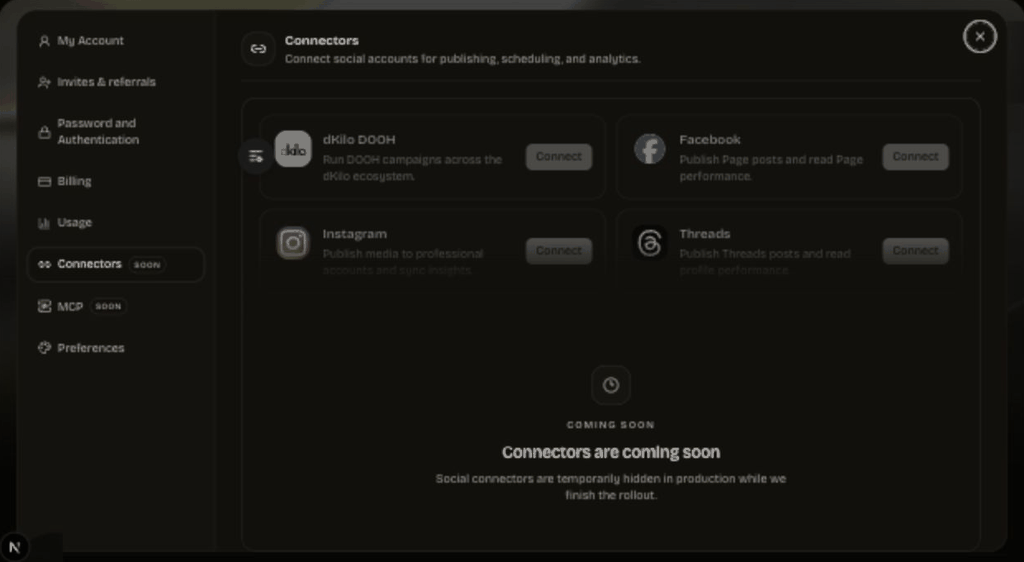
- Open the social connection area in Settings.
- Choose Meta and continue through the provider authorization flow.
- Review the permissions shown by Meta.
- Return to Fuzzbucket and wait for target discovery.
- Confirm that the expected Facebook Page, Instagram account, or Threads profile appears and is marked publishable.
If the connection succeeds but no targets appear, verify that the Meta account manages the intended destination and that the destination meets Meta's requirements.
Connection states
A connection can require reauthorization, become disconnected, or return targets that are visible but not currently publishable. Follow the status shown in Fuzzbucket before preparing a scheduled post.
What is not implied
Platform-shaped previews exist for more destinations than Fuzzbucket can publish to directly. A renderer for TikTok, LinkedIn, X, or another platform does not prove that a live publishing adapter is available.
Continue with Schedule or publish content.
Was this answer helpful?